.webp) kodah5.com
kodah5.comUltimate Avatar World Tips and Guides: The Complete Player's Manual
Ultimate Avatar World Tips and Guides: The Complete Player's Manual
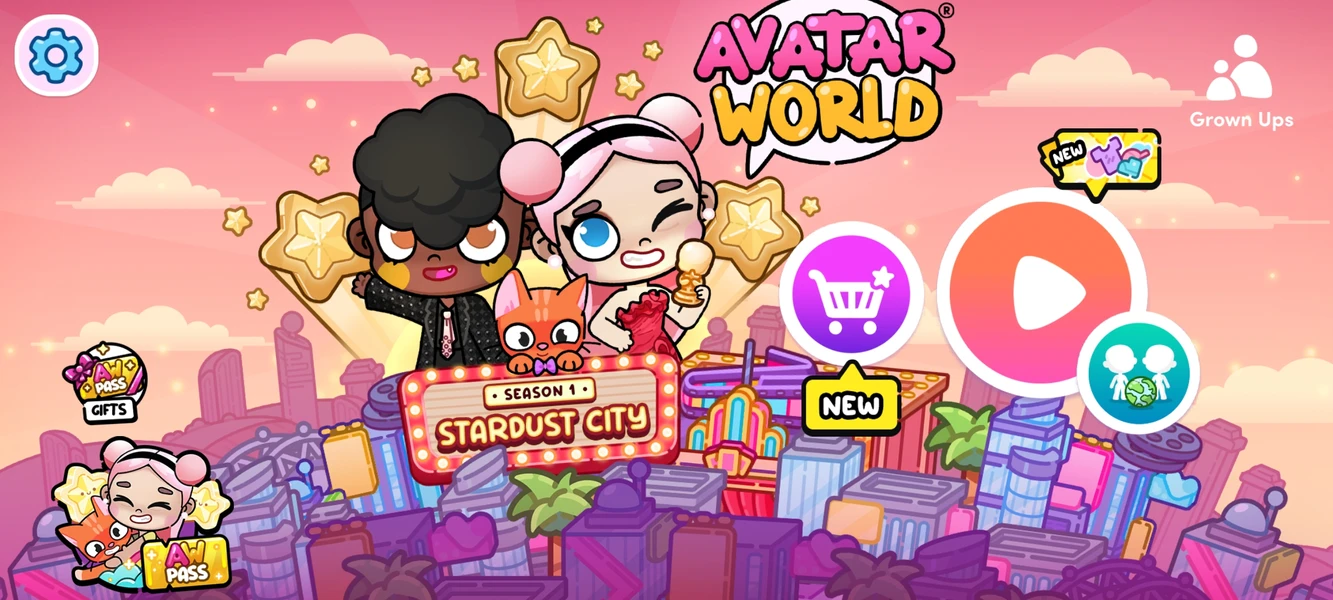
Stepping into the vibrant, interactive realm of Avatar World opens up a world of limitless creativity, hidden secrets, and endless storytelling possibilities. Designed as a rich digital dollhouse and exploration sandbox, the game allows players to customize every aspect of their characters, build intricate homes, and uncover magical secrets hidden in plain sight across every building and street corner. Whether you are a newcomer learning the basic mechanics or an experienced player searching for the rarest secret codes and Easter eggs, mastering the game requires an eye for detail and a strategic approach to exploration. This ultimate guide breaks down everything you need to know, providing step-by-step instructions and hidden tricks to help you unlock the full potential of your avatar's universe.
Getting Started: Character Creation and Customization Essentials
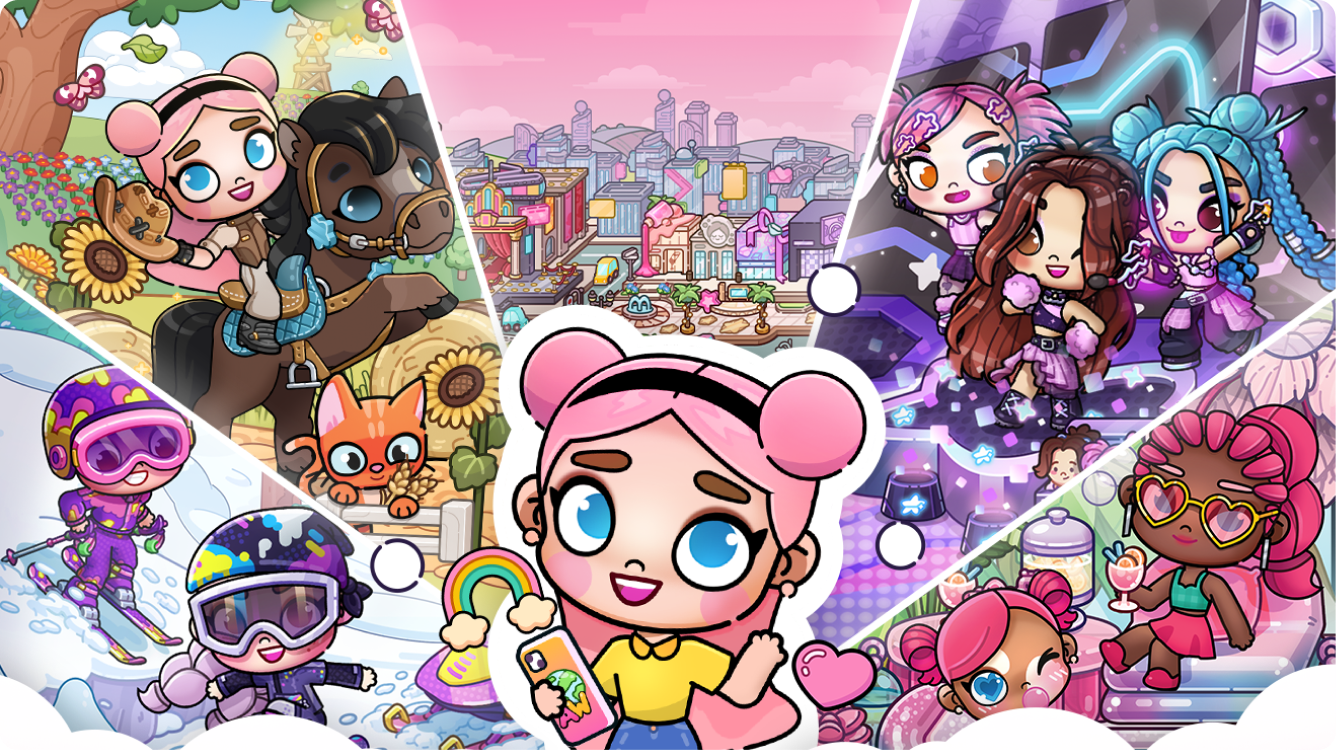
Your journey in Avatar World begins in the Character Creator, a powerful tool that allows you to craft unique digital personas down to the finest detail. Navigating the creation menu reveals an extensive library of physical traits, including customizable hairstyles, eye shapes, facial features, and skin tones. Before rushing off to explore the town, take time to design a diverse group of characters with distinct personalities, as having multiple custom avatars makes roleplaying and story setups significantly more dynamic across various locations.
Customization extends far beyond basic physical appearances once you explore the wardrobe options. The game offers hundreds of outfit combinations, ranging from casual street fashion and cozy sleepwear to specialized uniforms like chef outfits, doctor coats, and athletic gear. Make sure to experiment with layering accessories such as hats, glasses, backpacks, and hair accessories to give your avatars a polished, distinct style. Saving your favorite character presets ensures you can easily switch up your cast whenever you transition between different stories and play zones.
To maximize your character creation workflow, organize your avatars by thematic roles. Having dedicated characters for specific environments—such as a student for the school, a chef for the bakery, and a doctor for the hospital—saves time during active play sessions. Furthermore, remember that you can always re-enter the character creator at any point during your game to tweak outfits or create brand-new characters as your story expands.
Character Design Checklist
- Base Features: Select skin tones, eyes, eyebrows, and facial expressions that reflect your character's mood.
- Hairstyles & Colors: Pair unique cuts with primary and secondary color highlights for a distinct look.
- Outfits: Equip full outfits or mix-and-match tops, bottoms, and shoes tailored to specific job roles.
- Accessories: Complete the look with glasses, jewelry, hats, and functional handheld items.
Recommended Avatar Cast Presets
- The Main Explorer: Outfitted in casual gear with a functional backpack to store collected items.
- The Town Specialist: Dressed in professional uniforms (Doctor, Firefighter, Teacher) for thematic roleplay.
- The Trendsetter: Styled in high-fashion streetwear to show off rare wardrobe items found across the city.
Decorating Your Home: Room Design and Furniture Layout Techniques
Once your characters are ready, turning a blank house into a cozy home is the next essential step in your Avatar World experience. Building and interior design tools allow you to customize wall patterns, flooring, and furniture placements across multiple rooms. When starting a design project, begin by establishing a clear theme for each room, such as a modern minimalist living room, a pastel-themed bedroom, or a fully stocked culinary kitchen, to maintain aesthetic harmony throughout the home.
Furniture placement requires an understanding of spatial balance and functional grouping. Avoid cluttering the middle of the room; instead, position large furniture pieces like beds, sofas, and wardrobes against walls, using rugs and light fixtures to define specific zones within the space. Adding interactive elements—such as functional light switches, openable drawers, and wall-mounted art—makes your home feel dynamic and ready for active storytelling sessions with your avatars.
Decorating is not just about placing big furniture; the small details truly bring a room to life. Collect decorative items from surrounding town shops, such as indoor plants, books, plushies, and kitchen utensils, and place them on shelves, side tables, and kitchen counters. Organizing items neatly into storage containers or decorative baskets keeps clutter under control while ensuring your avatars have easy access to everyday items during play.
Essential Room Layout Steps
- Clear the Canvas: Remove default items to start with an empty room palette.
- Set the Foundation: Choose matching wallpaper, flooring, and rug combinations.
- Place Core Furniture: Position beds, couches, desks, and main storage units against walls.
- Layer Accessories: Add lamps, plants, wall art, and table decorations to fill out the space.
Storage and Organization Hacks
- Use Open Shelves: Display collectibles, books, and trophies on wall-mounted shelves.
- Utilize Storage Bins: Store extra clothes, toys, and small props inside drawers and decorative boxes.
- Functional Kitchen Racks: Organize pans, spatulas, and mugs on wall hooks near the stove area.
Exploring the Town: Unlocking Hidden Secrets and Easter Eggs
The sprawling city in Avatar World is packed with hidden secrets, interactive elements, and Easter eggs that reward curious players. Every building, from the local supermarket to the police station, contains hidden compartments, secret buttons, and interactive props waiting to be discovered. Exploration requires interacting with almost everything you see—tapping on pictures on the wall, shifting books on bookshelves, and pulling hidden levers can open up secret rooms filled with exclusive loot.
Secret vaults and locked safes are scattered throughout major town locations, often requiring specific puzzle solutions or hidden keys to open. Pay close attention to environmental clues, such as colored numbers painted on walls, specific clock arrangements, or hidden keycards concealed behind posters. Solving these mini-puzzles grants access to high-value items, including golden trophies, rare costumes, and special interactive props that cannot be bought in standard shops.
In addition to static secrets, environmental interaction changes depending on the time of day and specific item combinations. Giving certain props to specific NPCs, turning off all lights in a building, or matching specific colored items together can trigger unique animations and unlock hidden surprises. Keep a close eye on unusual visual cues, as anything that looks slightly out of place is usually the key to discovering a new Easter egg.
High-Priority Exploration Locations
- The Mansion: Look behind large paintings and under staircases for hidden safes and secret passages.
- The School: Check behind whiteboards and inspect library bookshelves for secret lever triggers.
- The Supermarket: Interact with vending machines and backroom boxes to uncover hidden snack items.
- The Police Station: Search desks for keycards to open evidence lockers and holding cell secrets.
Puzzle Solving Quick Tips
- Examine Wall Art: Tilt or remove paintings to check for hidden keyholes or keypad locks behind them.
- Match Patterns: Look for color-coded sequences painted on background walls to solve lock codes.
- Combine Key Items: Bring specific items (like keys or access cards) across different locations to unlock unique doors.
Mastering the Secret Code System: Redeeming Free Rewards and Outfits
One of the most effective ways to upgrade your inventory in Avatar World is by mastering the secret promo code system. The developers regularly release gift codes that reward players with exclusive outfits, unique furniture sets, rare accessories, and special festive items. Accessing the code redemption menu inside the in-game shop allows you to input these promotional keys and claim instant rewards directly into your inventory.
Staying updated with active secret codes requires following official news updates and community channels. Promos are frequently released during major game updates, holiday events, or milestone celebrations. Since many of these codes are time-sensitive, redeeming them as soon as they are announced ensures you never miss out on limited-edition items that may not return to the store again.
When entering promotional codes, pay careful attention to spelling and formatting. Ensure there are no accidental spaces before or after the code, and confirm that all letters are entered correctly. Once redeemed, your new items will automatically drop into a gift box in your game world, ready to be unwrapped, sorted, and added to your character's wardrobe or home decoration collection.
How to Redeem Promo Codes
- Launch Avatar World and enter the main play city area.
- Open the In-Game Store icon located on your screen dashboard.
- Scroll to the Promo Code / Gift section within the store interface.
- Type in the active code carefully and tap Claim to receive your reward box.
Popular Reward Categories
- Exclusive Fashion Sets: Complete matching outfits with unique shoes and hair accessories.
- Theme Furniture Packs: Rare decorative items for bedrooms, kitchens, and game rooms.
- Special Event Accessories: Seasonal items including holiday hats, party props, and festive gear.
Managing the Bakery and Restaurant: Cooking and Recipe Mastery
Cooking and managing food venues in Avatar World offers a rich, hands-on gameplay experience for players who enjoy culinary roleplay. The bakery and local restaurant feature fully functional kitchen appliances, including ovens, blenders, frying pans, and coffee machines. Learning how different ingredients interact allows you to prepare dozens of delicious dishes, from multi-tiered birthday cakes to gourmet pizza pies and artisan coffees.
To master the kitchen, you must learn the fundamental recipe combinations by experimenting with base ingredients. Flour, sugar, eggs, and milk form the foundation for most baked goods, while combining various fruits with milk or ice in the blender produces colorful smoothies and milkshakes. Paying attention to cooking times in the oven or on the stovetop is crucial, as leaving items on heat sources too long will turn your culinary creations into burnt toast.
Running a successful bakery or restaurant setup also involves serving customers and setting up an appealing display. Arrange fresh pastries on glass display stands, set up cozy dining tables with complete tableware sets, and dress your avatars in chef hats and waiter aprons. Creating a structured flow from the kitchen prep counter to the dining table enhances the realism of your culinary roleplay stories.
Fundamental Kitchen Ingredients
- Baking Staples: Flour, Sugar, Eggs, Milk, Butter, Cocoa Powder.
- Fresh Produce: Strawberries, Apples, Bananas, Blueberries, Tomatoes.
- Savory Base: Dough, Cheese, Pasta, Meat Cuts, Vegetables.
Popular Recipe Combinations
- Classic Chocolate Cake: Flour + Sugar + Eggs + Cocoa Powder -> Bake in Oven.
- Fruit Smoothie: Milk + Mixed Berries + Ice -> Combine in Blender.
- Gourmet Pizza: Dough + Tomato Sauce + Cheese -> Bake in Oven until golden.
School Life Simulation: Maximizing Classroom and After-School Activities
The school in Avatar World is a massive hub for storytelling, educational roleplay, and social simulation. Featuring multiple rooms including science labs, art classrooms, music studios, and a full-sized gymnasium, the school provides endless opportunities for structured daily routines. Creating a realistic school day schedule for your student and teacher avatars adds depth and immersion to your gameplay sessions.
Each classroom is equipped with specialized interactive tools designed for hands-on activity. In the science lab, you can mix colorful liquids in test tubes to trigger fun chemical reactions, while the art studio allows avatars to paint canvases and experiment with crafts. The music room features playable instruments such as pianos, guitars, and drum kits, enabling your characters to form a student band and practice for school concerts.
After-school activities and locker organization complete the authentic school experience. Customize each student's locker with wallpaper, personal photo frames, books, and sports equipment. Transitioning from academic classes to outdoor sports on the basketball court or relaxing in the school cafeteria ensures your school simulation remains engaging and varied throughout the school day.
School Facilities and Activities
- Science Laboratory: Conduct experiments using beakers, microscopes, and chemical solutions.
- Art & Craft Room: Paint portraits on easels, work with clay, and display student artwork.
- Music Studio: Play real instruments including keyboards, acoustic guitars, and drum sets.
- Sports Gymnasium: Practice basketball drills, gymnastics routines, and physical education games.
Locker Customization Ideas
- Academic Style: Neat shelves loaded with textbooks, notebooks, and color-coded pens.
- Athlete Style: Packed with sports jerseys, basketballs, water bottles, and sneakers.
- Creative Style: Decorated with polaroid photos, stickers, glowing lights, and mini plushies.
Medical and Rescue Roleplay: Hospital and Fire Station Operation Guides
Engaging in rescue and medical simulation provides a high-stakes, action-packed roleplay experience in Avatar World. The hospital is equipped with emergency rooms, check-up clinics, maternity wards, and diagnostic equipment like X-ray machines and vision charts. Assigning avatars to play roles as doctors, nurses, paramedics, and patients allows you to run realistic medical scenarios from routine check-ups to emergency operations.
Navigating the hospital's diagnostic tools requires understanding how various medical props function. Place patients on X-ray tables to view detailed bone scans on the wall monitors, or use wheelchairs and gurneys to transport injured characters between treatment rooms. Stocking medical cabinets with bandages, medicine bottles, syringes, and stethoscopes ensures your medical staff is prepared for any emergency situation.
Complementing the hospital, the fire station and rescue services provide fast-paced field operations. Gear up firefighter avatars in protective suits, helmets, and oxygen tanks before responding to emergency calls. Operating the fire truck, extending rescue ladders, using fire extinguishers, and sliding down the classic fire station pole adds dynamic movement and exciting storylines to your rescue missions.
Medical Station Equipment Guide
- Diagnostic Tools: X-ray scanners, heart rate monitors, thermometers, and eye charts.
- Treatment Gear: Bandages, casts, medicine bottles, IV drips, and first-aid kits.
- Patient Transport: Adjustable hospital beds, wheelchairs, and emergency gurneys.
Rescue Service Protocol
- Sound the emergency alarm in the fire station headquarters.
- Equip firefighter avatars with heat-resistant suits, boots, and helmets.
- Slide down the fire pole directly into the garage bay.
- Drive the fire truck to the scene and deploy hoses, ladders, and extinguishers.
Shopping Mall and Fashion Boutiques: Shopping and Style Guides
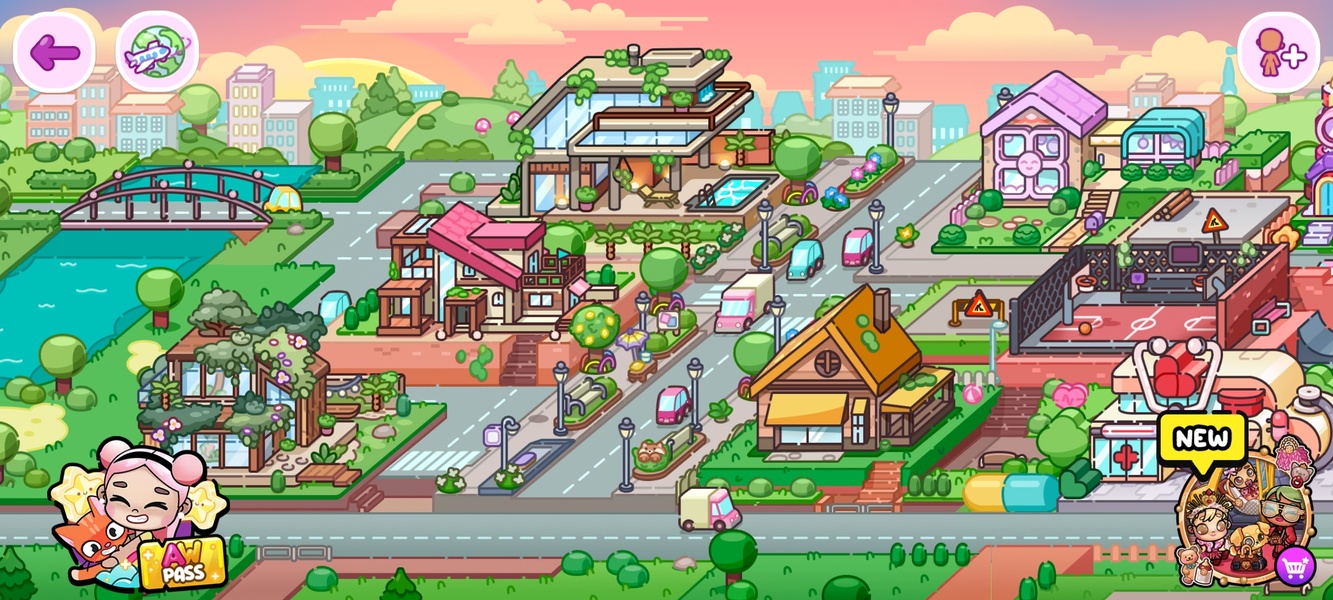
The shopping mall is the ultimate destination for fashion customization, retail roleplay, and lifestyle trends in Avatar World. Featuring multiple floors packed with clothing boutiques, shoe stores, beauty salons, and food courts, the mall serves as a central hub for acquiring new items and socializing. Exploring every store reveals unique fashion collections that can completely transform your characters' looks.
To get the most out of your shopping trips, utilize the interactive fitting rooms located inside clothing stores. You can try different outfit combinations on your avatars before deciding which items to add to your permanent collection. Don't forget to visit the shoe racks and accessory displays to pick up matching handbags, sunglasses, and jewelry to create fully coordinated fashion ensembles.
Beyond buying clothes, the beauty salon and hair stylist stations offer complete makeover services. Sit your avatars in the salon chairs to experiment with new hair dye colors, trendy cuts, and makeup styles. Finishing off a shopping day with a visit to the mall food court or arcade makes for a complete, enjoyable storyline for your character group.
Mall Shopping Hotspots
- Fashion Boutique: Offers high-end dresses, formal suits, casual wear, and seasonal clothing.
- Footwear Station: Stocks sneakers, boots, high heels, and athletic shoes.
- Beauty Salon: Interactive chairs for hair coloring, styling, and cosmetic makeovers.
- Tech & Toy Store: Packed with gadgets, video game consoles, plushies, and board games.
Outfit Styling Rules
- Color Coordination: Pair outfits with accessories that share matching secondary accent colors.
- Theme Alignment: Match shoes and bags to the specific occasion (e.g., formal heels for evening wear).
- Layering Balance: Combine simple base clothing with bold jackets or statement hats for a modern look.
Care and Daily Routines: Pet Care, Daycare, and Family Roleplay
Family roleplay and caring for pets or younger family members is one of the most heartwarming aspects of Avatar World. The daycare and nursery facilities are equipped with everything needed to care for babies and toddlers, including cribs, changing tables, high chairs, and interactive toys. Establishing structured daily routines for feeding, naptime, and playtime keeps your family life simulation running smoothly.
Pet care is equally detailed, featuring dedicated pet shops, grooming parlors, and pet parks. Players can adopt dogs, cats, and other small animals, taking responsibility for their daily needs. Feeding your pets from food bowls, bathing them in grooming tubs, brushing their fur, and taking them for walks in the park with leashes keeps your digital pets happy and healthy.
Combining family and pet routines creates a rich, interconnected home life for your avatars. Set up a dedicated nursery room in your custom house with soft cribs and toy chests, alongside cozy pet beds and scratching posts in the living area. Roleplaying daily activities like morning breakfast, afternoon park walks, and bedtime stories makes the world feel lived-in and deeply personal.
Nursery and Daycare Essentials
- Feeding Gear: Baby bottles, high chairs, baby food jars, and bibs.
- Rest & Comfort: Soft cribs, pacifiers, plush blankets, and mobile nightlights.
- Play & Learning: Building blocks, rattle toys, picture storybooks, and play mats.
Pet Care Routine
- Fill food and water bowls in the morning before starting the day.
- Take pets on a walk to the park using attachable leashes.
- Wash and groom pets in the grooming station tub using pet shampoo and brushes.
- Provide cozy pet beds and interactive chew toys for rest time at home.
Advanced Storytelling and Content Creation: Setting Up Cinematic Scenes
For players who love creating stories, making videos, or sharing screenshots on social media, mastering advanced visual techniques in Avatar World is key. The game's rich interactivity allows you to build detailed visual narratives by carefully staging characters, props, and lighting within a scene. Thinking like a director helps transform simple gameplay into compelling digital stories.
Setting up a scene begins with framing and character placement. Use facial expression controls to match your avatars' emotions to the dramatic context of the scene—whether they are excited, surprised, happy, or sad. Place relevant props in characters' hands and arrange background characters naturally to make the setting feel alive and authentic rather than static.
Lighting and atmospheric controls play a major role in establishing mood. Toggling room light switches, using lamps, or timing your scenes around night and day cycles can dramatically alter the tone of your story. Pay close attention to small details, such as open doors, steam rising from coffee cups, or background weather effects, to craft polished, cinematic visuals that captivate your audience.
Scene Setup Steps
- Define the Narrative: Determine the core emotional plot or action happening in the scene.
- Set the Stage: Decorate the background with context-specific props and clean up unwanted clutter.
- Express Emotion: Adjust every character's facial expression and body posture to fit the scene.
- Adjust Lighting: Use ambient lamps, overhead lights, or night mode to set the ideal mood.
Cinematic Framing Tips
- Rule of Thirds: Position main characters slightly off-center for a dynamic visual composition.
- Depth of Field: Place foreground props close to the screen edge to add visual depth to background scenes.
- Action Poses: Catch characters mid-animation (e.g., jumping, waving, or sipping a drink) for energetic screenshots.
Master Avatar World with tips on customization, home design, secret codes, recipes, and hidden locations.